Laura W. answered • 05/03/19
Tutor
0
(0)
Microsoft Office Trainer and Author
You can replace the line that has the underscores with a one-line table using separate columns for sections that need to be typed into.
Here's the same information as a table. You can see the gridlines now, but won't when you're done.
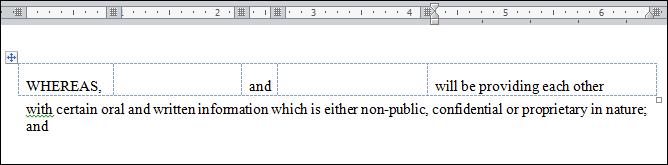
Now all you have to do is place bottom borders in the second and fourth columns and turn off the gridline display.
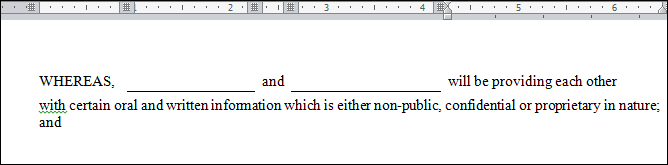
Now you can type onto the lines with no problem.
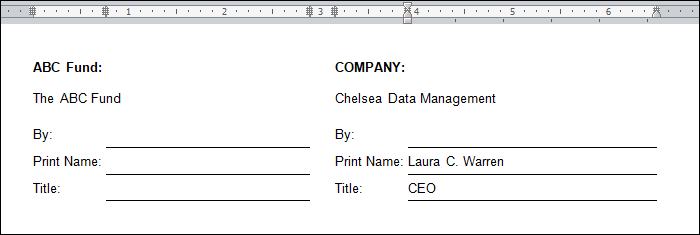
Here's another example of using a table for signatures:
'
If you click on View Gridlines, it looks like this:
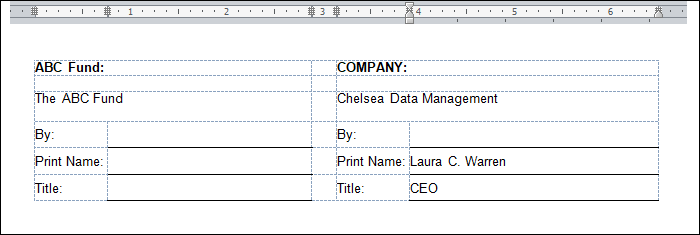
You can copy and paste any of these and use them again with little modification. No more deleting underscores!